Localization
When creating processes for audiences in non-English speaking regions, you can localize the Tasklist interface to the appropriate language.
To do this, design user task forms in the local language, and set the Tasklist interface to use the same language.
Tasklist supports the following four languages by default:
- English
- French
- German
- Spanish
The interface language is automatically determined by the device language settings of the user. If the device's language is not supported, the interface will default to English.
Change Tasklist language settings
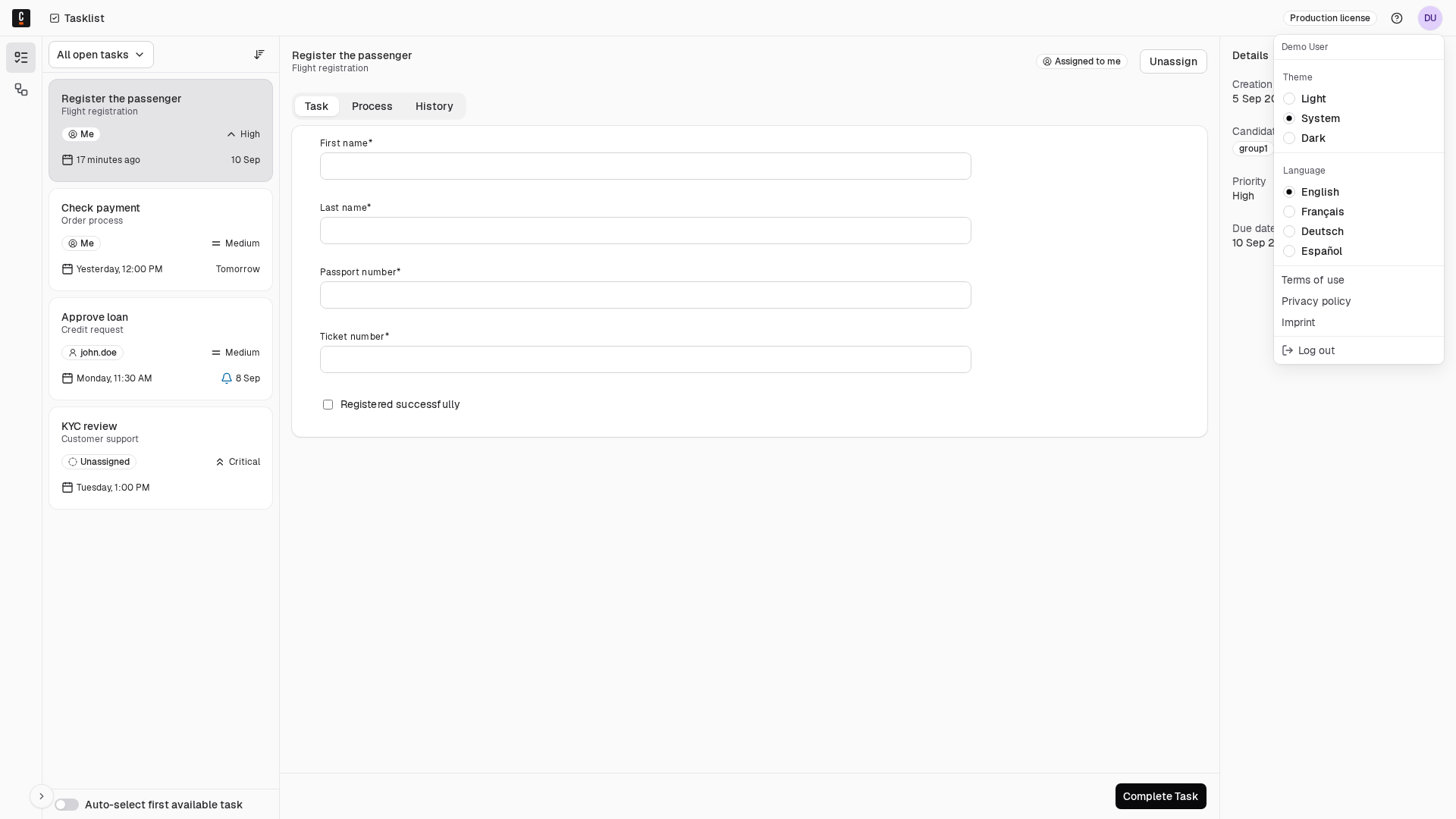
To change the language used in Tasklist:
- Click your user avatar in the top-right corner of the header to open the user menu.
- Under Language, select your preferred language.
- The Tasklist interface updates to the selected language.