System requirements
Learn about the system requirements for running ProcessOS Harness.
Overview
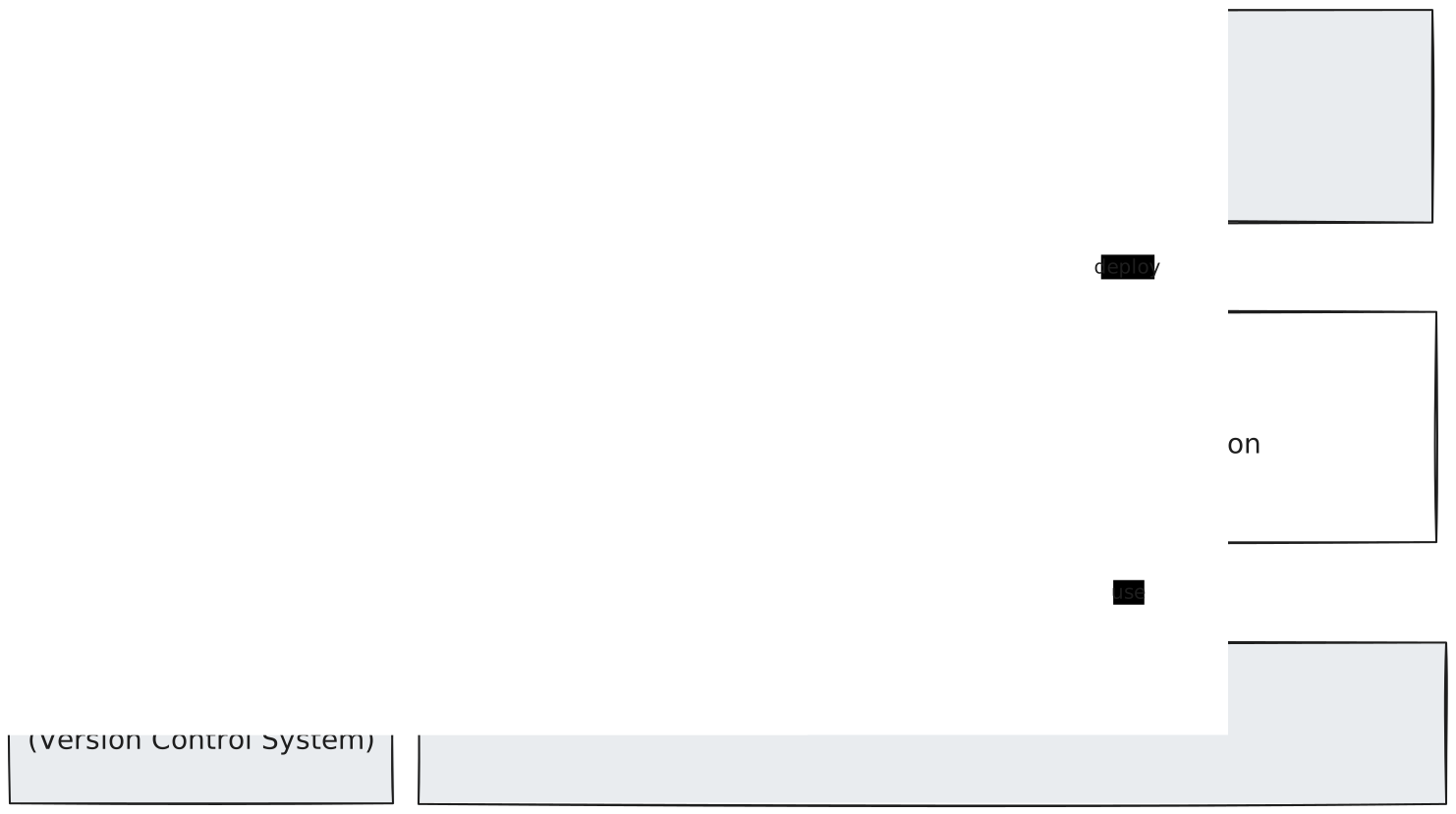
ProcessOS Harness requires the following:
- A Camunda cluster to run the governance process.
- A Git-compatible version control system to store your projects.
- A supported AI coding agent to do the re-engineering work.
- A builder client with local tooling, where the agent runs.
Agentic tooling is flexible by nature, so ProcessOS Harness may run on more systems than the ones listed here. These are the configurations Camunda currently tests, and the goal is to keep ProcessOS Harness independent of any specific AI coding agent or AI platform.
Governance process
The governance process needs a Camunda cluster that's reachable across your organization, because it holds ProcessOS project state and orchestrates SME feedback.
| Requirement | Supported |
|---|---|
| Camunda 8 | A supported release of Camunda 8 SaaS or Self-Managed. |
Project version control
ProcessOS projects are stored in repositories, so managing one requires a Git-compatible version control system. You can host it internally or use a provider such as GitHub.
AI coding agent
ProcessOS Harness drives an AI coding agent to do the work of re-engineering.
| Aspect | Supported |
|---|---|
| AI coding agent | Currently supported are Claude Code CLI and GitHub Copilot CLI, each installed as a bundles. |
| AI platform | Platforms such as Amazon Bedrock, Azure OpenAI, and Ollama, where the coding agent supports them. |
| Models | Models natively used by a supported coding agent. Anthropic Claude models are tested the most, with Opus or smarter alternatives recommended. |
Other agents may be supported in future releases, but aren't yet tested exhaustively. Please get in contact if you need support for additional AI coding agents.
The agent needs these permissions in your environment:
- Outbound network access, for example
curlandwget. - Write access within the ProcessOS project Git repository.
- Permission to execute bash commands and scripts.
Builder client
The AI coding agent runs on the builder's own computer (Windows, macOS, or Unix). The following tools are required in the latest version:
| Requirement | Details | When to install |
|---|---|---|
| AI coding agent | See AI coding agent. | Before installation |
| Camunda Modeler | For editing BPMN and DMN files during review. | Before installation |
| Node.js | Used as scripting language by ProcessOS Harness skills. | Before installation |
| Git and GitHub CLI | git, and the gh CLI for the GitHub discovery specialist. | Before installation |
| Maven | For Java workers only. | Before installation |
| c8ctl | The Camunda 8 CLI, used to deploy and manage Camunda resources and clusters. Available as c8ctl and its alias c8. | During installation |
| Camunda c8run | A local cluster started with c8run, used to validate generated solutions. | During ProcessOS run |
Generated solutions
Solutions generated by ProcessOS Harness use the following technologies.
| Component | Technology |
|---|---|
| Workers | Target SDKs: Spring Boot; TypeScript; Python |
| Camunda artifacts | .bpmn, .dmn, and .form files for the latest Camunda 8 version. |
| AI platforms | As supported by agentic orchestration. |