Manage batch operations
Learn how to manage batch operations in Camunda 8 Operate.
Overview
You can suspend, resume, or cancel batch operations when they're in one of the following states:
| State | Available actions |
|---|---|
| Active | Suspend, cancel |
| Suspended | Resume, cancel |
| Created | Cancel |
Before you begin
Before you begin, ensure you're authorized to update batch operations.
Manage a batch operation
To take an action on a batch operation:
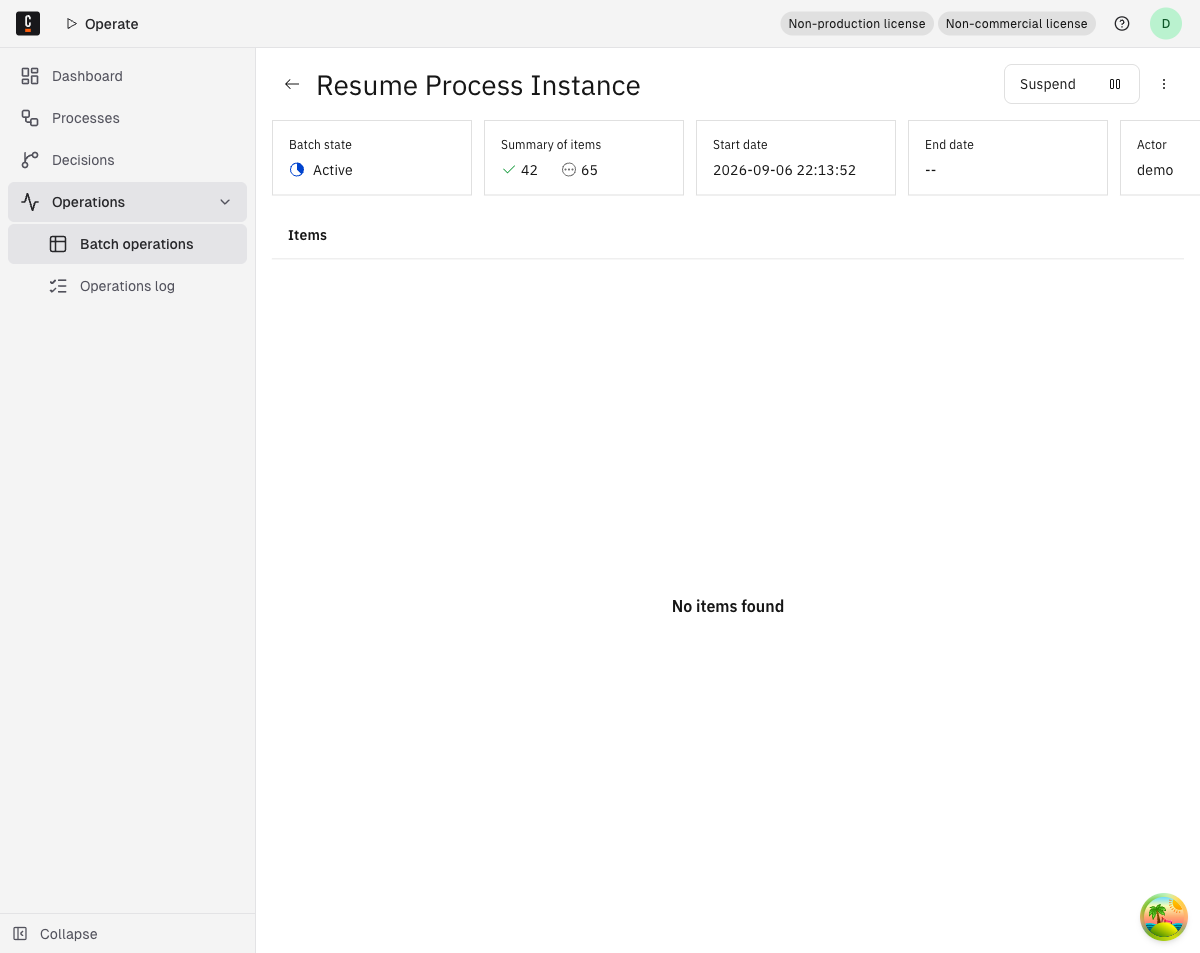
- In the left navigation, click Operations > Batch operations. For more details, see monitor batch operations.
- From the Batch Operations page, click the operation you want to manage.
- On the batch operation details page, on the right side of the page header, click an action, if available.