Model your first diagram
After you've created a BPMN diagram, you can start modeling it.
A new diagram contains a single start event, the starting point of every process. From here, you can add elements to build out your process.
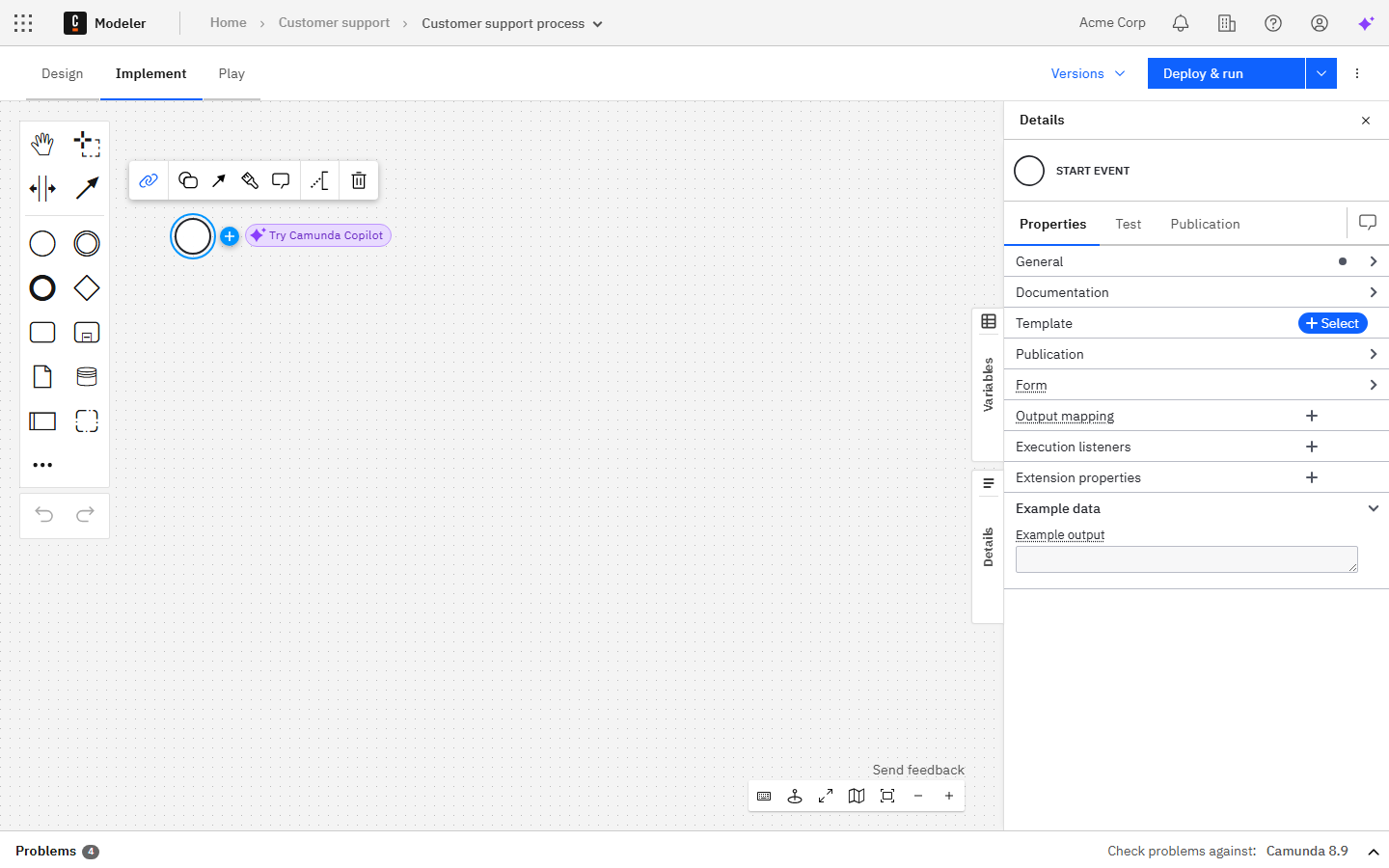
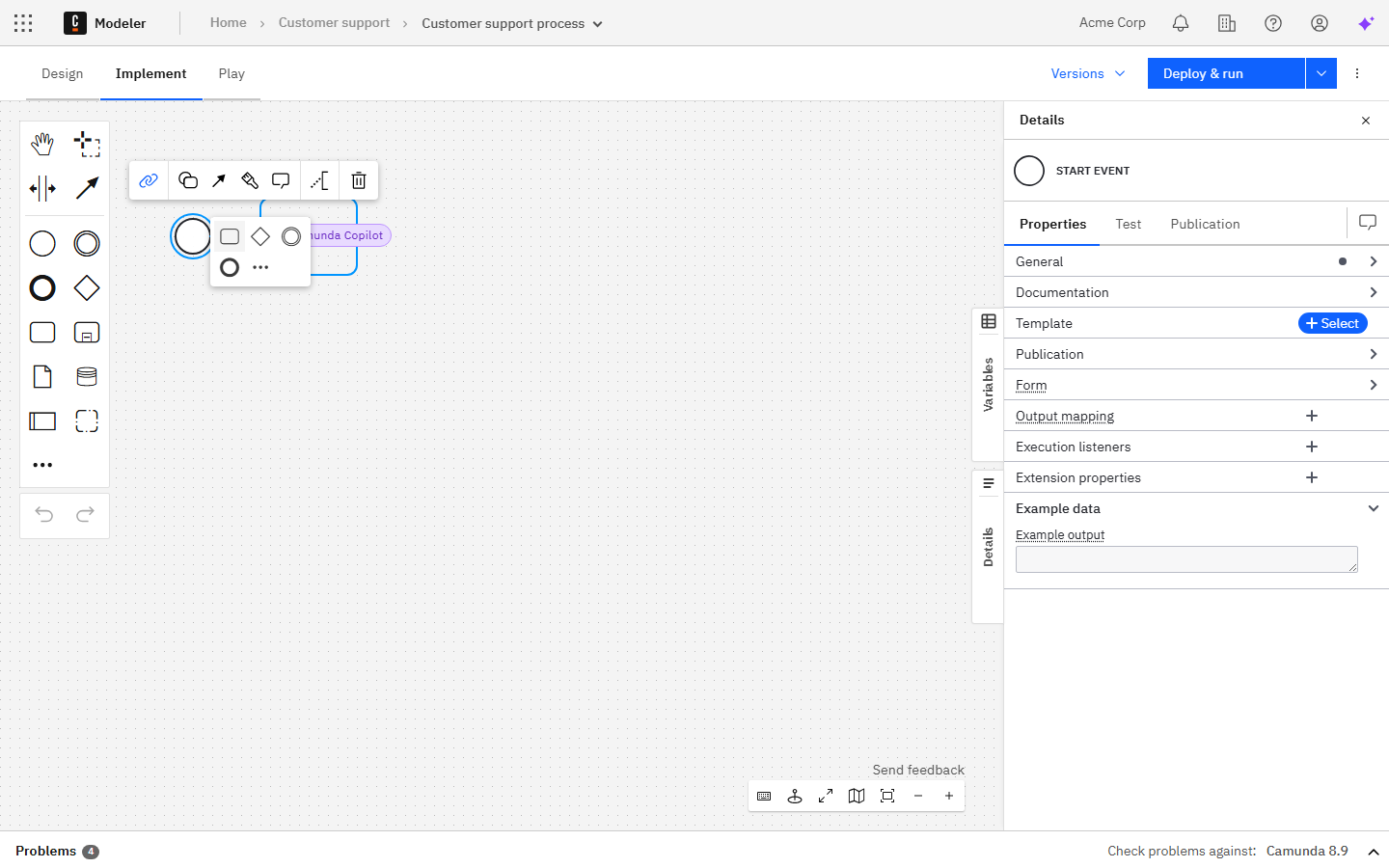
Use the plus icon in the context pad to append your first element, such as a task.
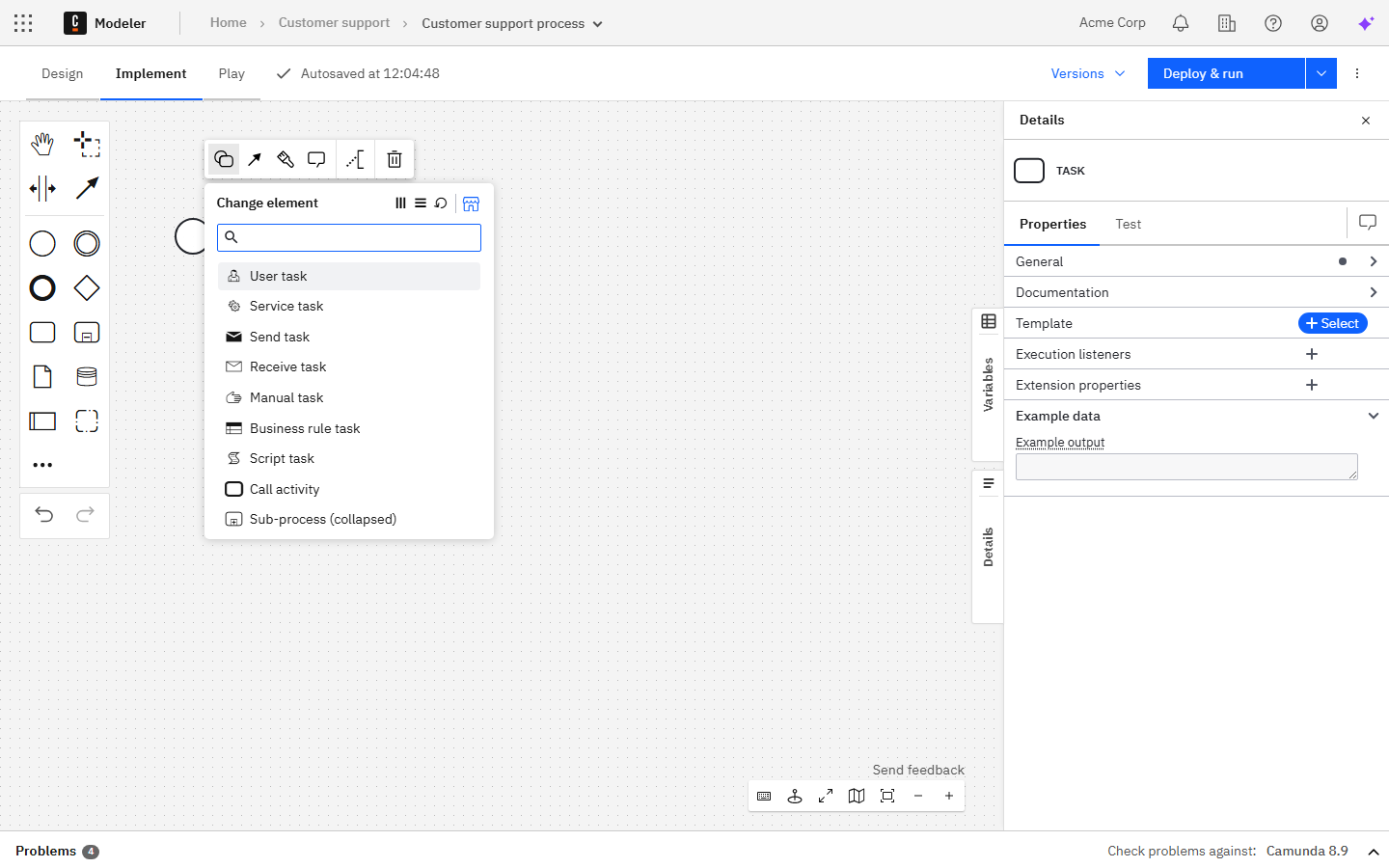
To change the type of an element, use the replace icon in the context pad. For example, you can turn a generic task into a user task.
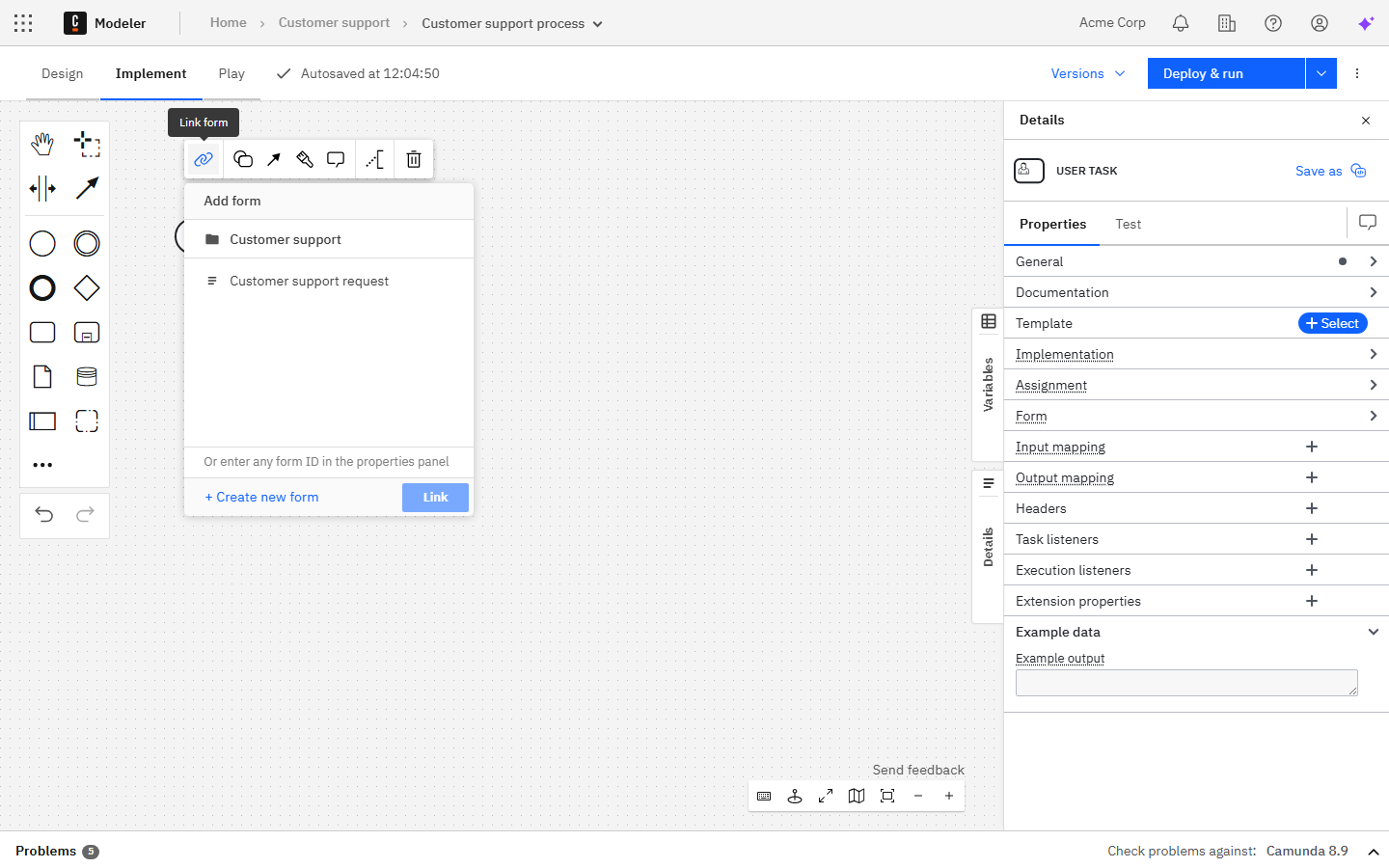
You can also use the context pad to link resources, such as forms, to an element.
Use the properties panel on the right side to inspect and edit the technical properties of each element.
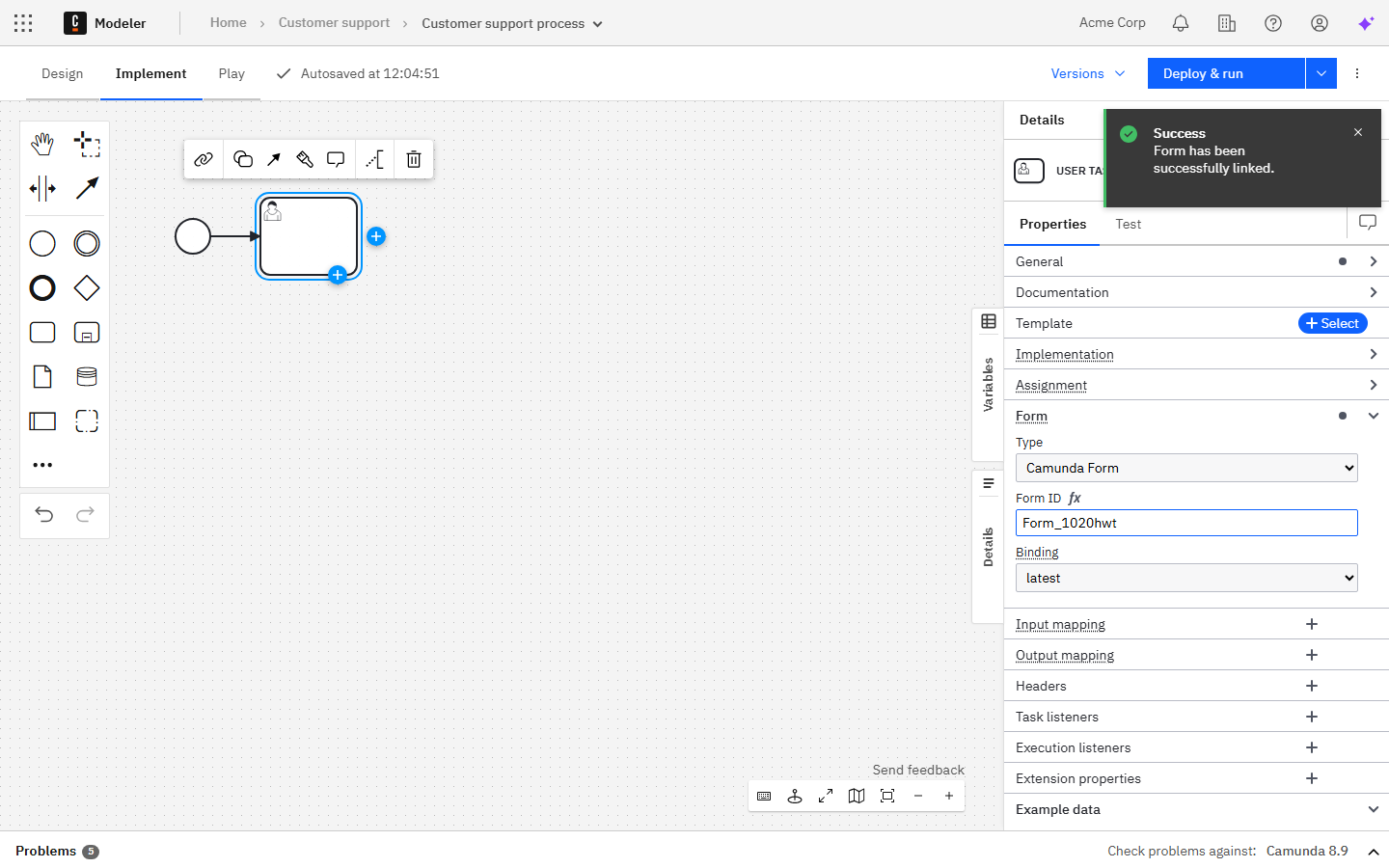
To revert or reapply changes, use the Undo and Redo buttons on the canvas.
Undo and redo behavior has limitations when collaborating and importing a diagram.