IDP applications
Create and manage your IDP document extraction and classification templates in an IDP application.
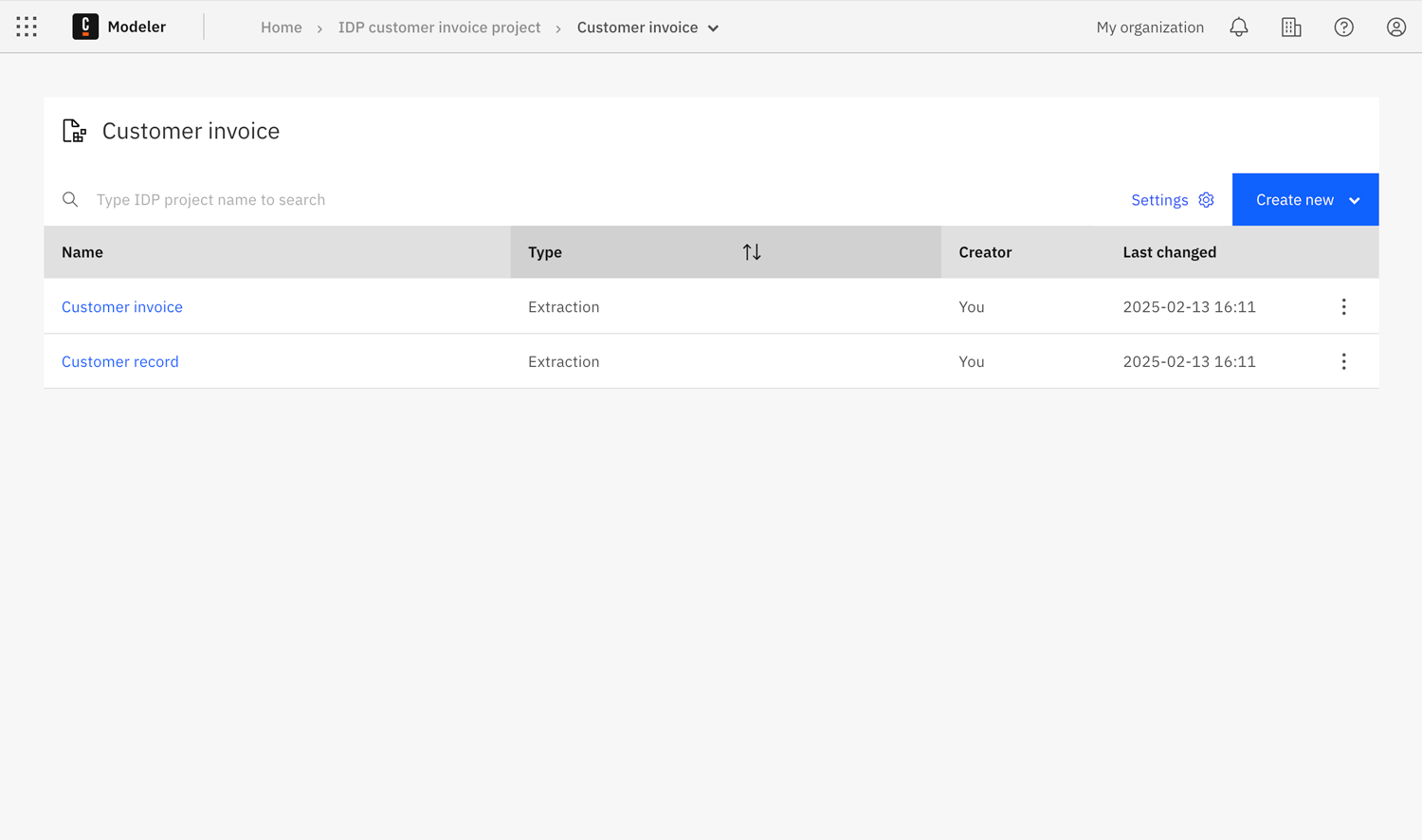
Create an IDP application
To create an IDP application:
-
In a Web Modeler project, select Create new > IDP application to open the Create an IDP application modal.
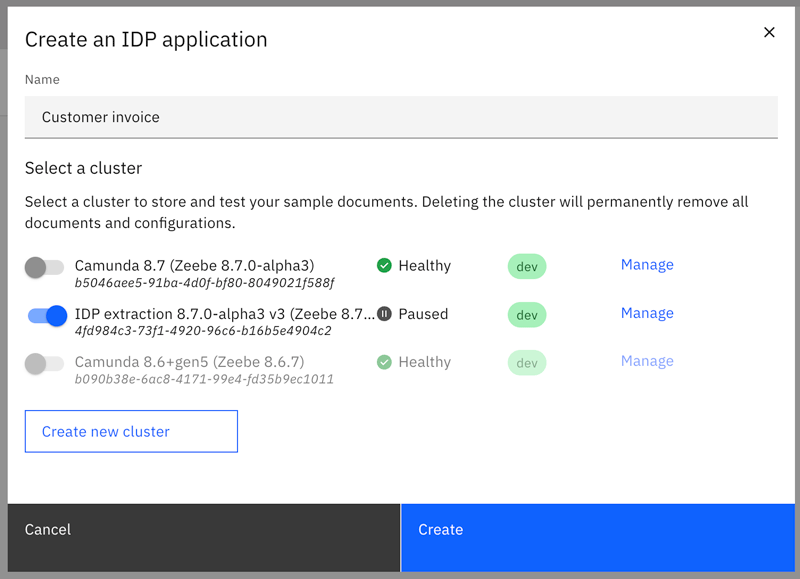
- Name: Enter a name for the IDP application.
- Select a cluster: Select the cluster you want to use for modeling and testing your document extraction and classification.
-
Click Create to create the IDP application.
-
You can now create templates inside your IDP application folder:
- Document extraction templates to extract data from structured or unstructured documents.
- Document classification templates to automatically classify documents by type.
note
Document classification templates require cluster version 8.9-alpha5 or later. If your cluster does not meet this requirement, only extraction templates are available.
note
- Camunda recommends using a development (dev) cluster for your IDP applications.
- Ensure that the selected cluster meets the IDP application cluster requirements.
Change IDP application cluster
Open the IDP application setting modal to change the cluster being used by an IDP application.
- Click Settings to open the IDP application settings.
- Change the cluster you want to use for the IDP application.
- Click Save to save and apply your changes.