Manage IP allowlists
In Camunda SaaS, Camunda Hub has access to clusters by default, as allowlist assignments for IP addresses used by Camunda Hub are managed automatically. If your organization works within Camunda's Enterprise plan, you can restrict access to clusters with an IP allowlist.
Create an IP allowlist
Create an IP allowlist:
-
In the left navigation under Clusters, select a cluster.
-
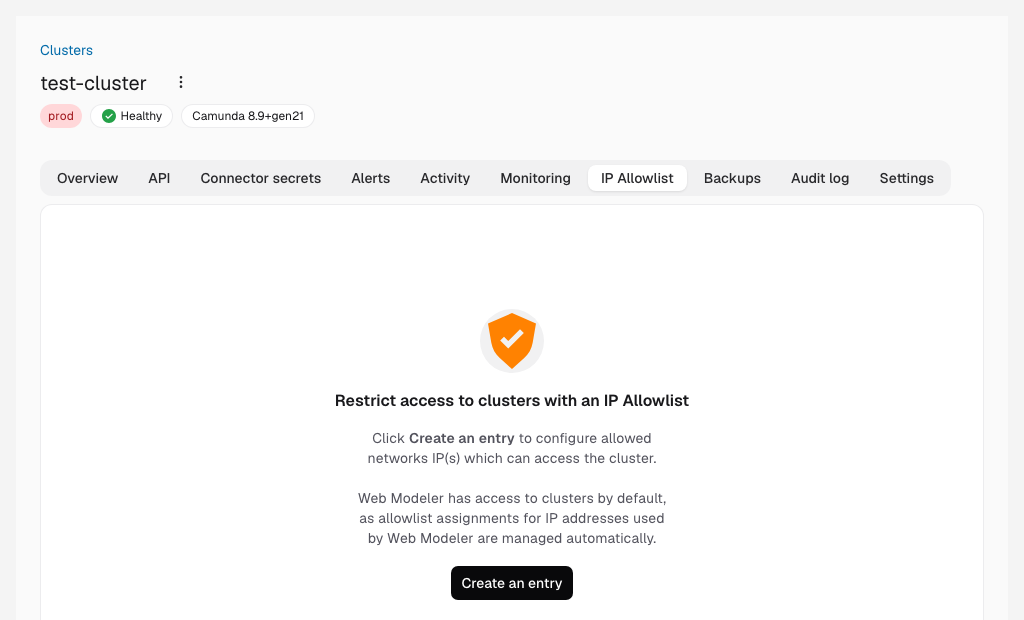
On the IP Allowlist tab, click Create an entry.
-
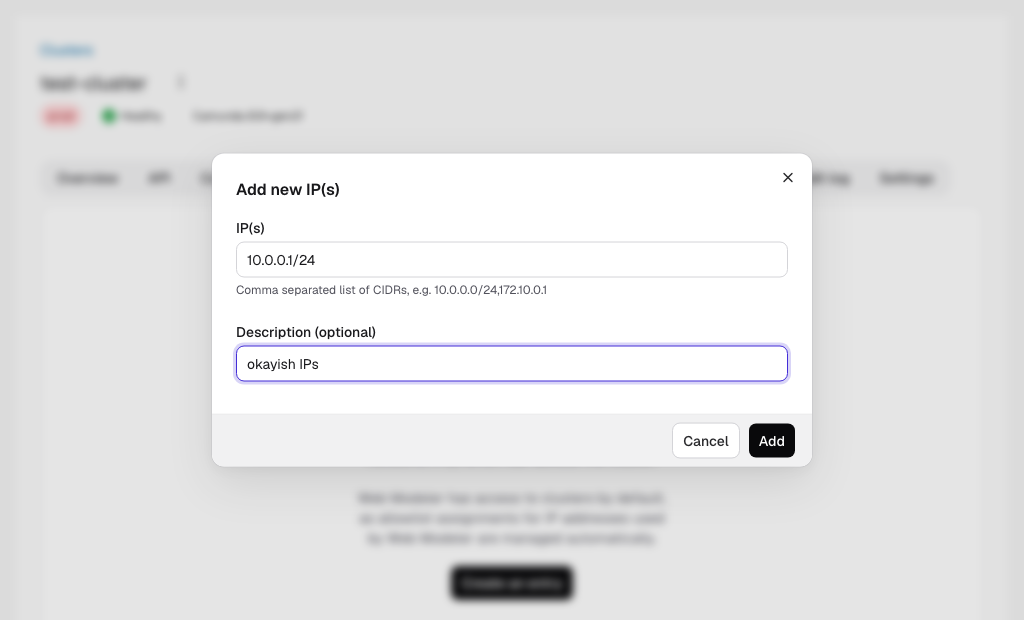
Enter a list of IPs or CIDR blocks separated by commas.
-
Enter an optional description for the allowlist.