Organization management
Organization management can be accessed via the Open Organizations icon in the navigation bar.
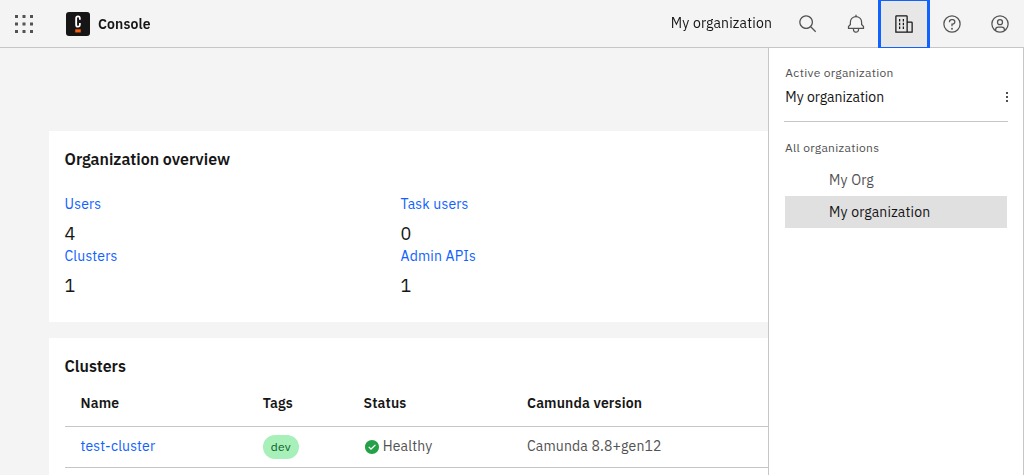
Using the context menu of each organization, you can manage or leave an organization.
Overview
The overview provides a summary of the organization, including:
- Organization name
- Pricing plan
- Owner of the organization
Here, owners of an organization can also manage users, view organization history, and create client credentials.
Rename organization
If you are the owner of the organization, you can change the name of your organization in the Overview tab.