Get started with Camunda
Ready to start? Run your first local Camunda 8 project.
Get hands-on with Camunda 8 with our getting started guides. Start by running your first BPMN process, building your first AI agent, and orchestrating human tasks and APIs using connectors.
Run your first BPMN process with Camunda 8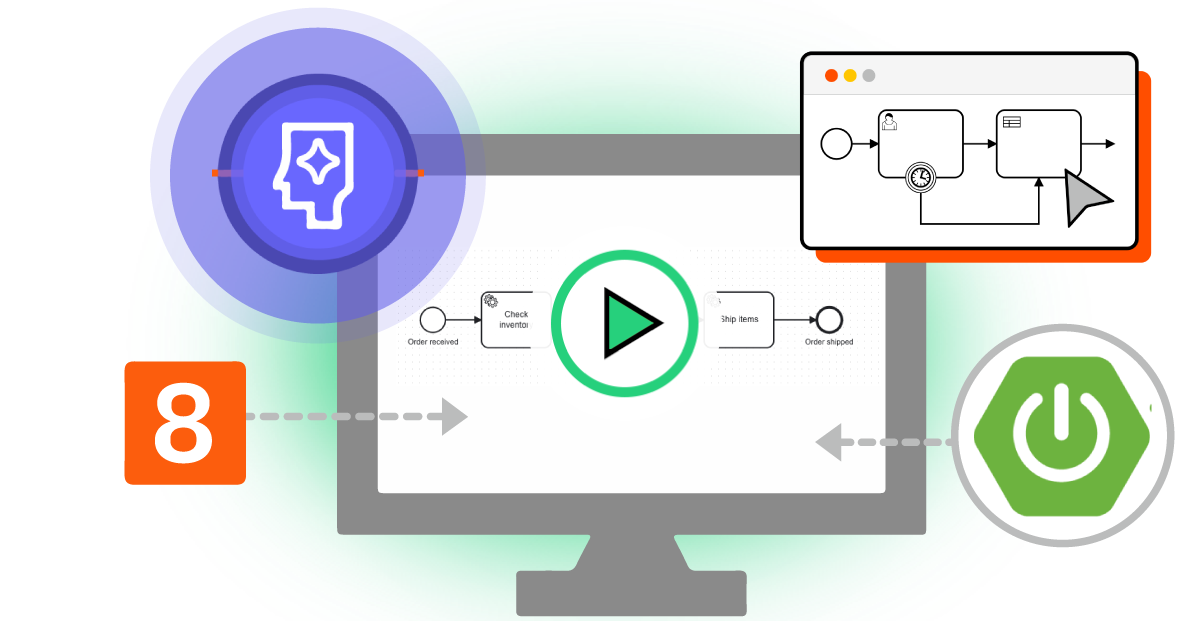
Run your first BPMN process with Camunda 8
Launch a fully-automated Rocket Launch process on your local machine with no code required. Provide a fuel level, and let Camunda 8 run pre-flight checks, plot a destination with DMN, and generate a mission report using only FEEL expressions.
Build your first AI agent
Get started with Camunda agentic orchestration by building and running your first AI agent. The agent runs as a step inside a BPMN process, so the engine executes, retries, and records it in the same way as the fixed steps around it.
Run your first Spring Boot or Node.js project with Camunda 8
This guide is for developers who want to implement process automation solutions using Spring Boot or Node.js. You'll work with a local, self-managed, lightweight Camunda 8 environment.
Orchestrate human tasks
This guide is for low-code developers using Camunda 8 SaaS to efficiently allocate work through user tasks.
Get started with human task orchestration
Orchestrate APIs using connectors
This guide is for users who prefer a low-code approach to process automation, walking you through working with a REST connector task as a first time Camunda 8 SaaS user. You can follow this tutorial using either a local, Self-Managed lightweight setup, or Camunda 8 SaaS.