How a builder task works
A builder task is a unit of work that is executed in the AI Coding Agent. Each builder task runs as a job, with a skill doing the main work and the builder overseeing, judging, and revising it. This shape gives every task three properties at once: guidance from the governance process for what to do, auditability through Camunda and Git, and full flexibility for the builder to do whatever else the job needs.
The five steps
The following steps are executed if the governance process is at a builder task:
- Activate the job. The agent pulls the next pending job from the governance process running on Camunda, along with its skill name, skill mode, and run configuration.
- Execute the skill. The agent runs the ProcessOS Harness skill named in the job, producing or updating files in your project.
- Take your builder action. You review what the skill produced, correct it, rerun it, or do whatever else the situation needs. This is the open part of the task.
- Commit to version control. The result is committed to Git, which makes the change part of the permanent project record.
- Complete the job. The agent pushes the outcome back to the governance process, which then decides the next step.
Steps 1 and 5 are handled by the agent against Camunda. You handle step 3.
How to work on a builder task?
- Clear agent context. Each builder task should be executed in a new coding session.
- Execute the next step. Ask the AI coding agent
nextto trigger builder work.
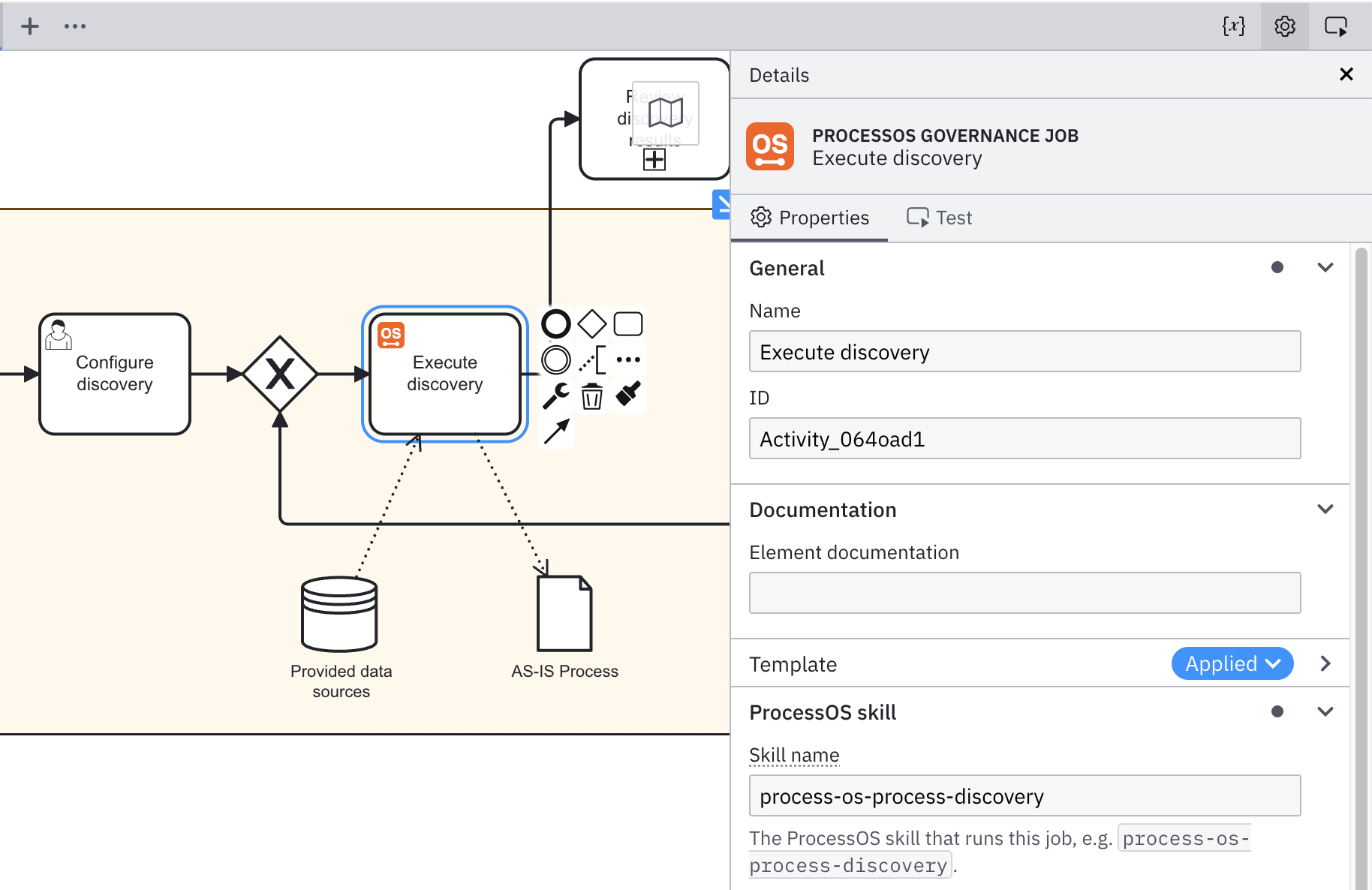
Builder tasks in Camunda
Builder tasks are service tasks within Camunda. They are handled as a job similar to any other service task. ProcessOS Harness contains skills to manage Camunda jobs.