Connectors
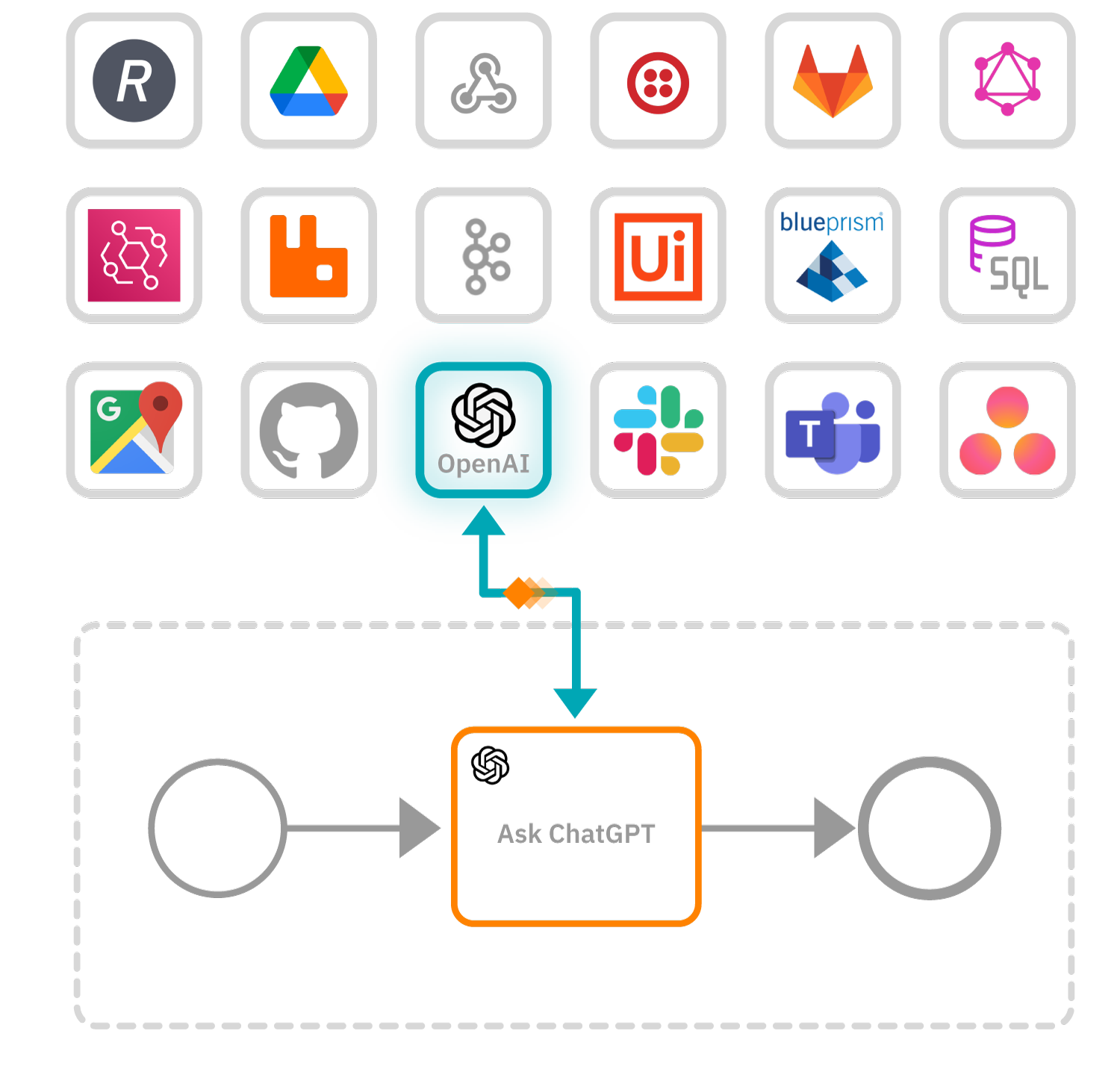 Built-in connectors are reusable building blocks you can use to easily connect processes to external systems, applications, and data.
- Use a Slack or Microsoft Teams connector to notify people of pending or completed processes in a human task orchestration onboarding flow.
- In microservices orchestration, use a Kafka connector to add real-time messaging to your automated processes.
- In agentic orchestration, connectors are also the tools an AI agent calls to interact with external systems.
Connectors are often configured as a BPMN process task, with the required integration parameters already set up for easy configuration. This helps remove the need for you to write custom integration programming code.
Find a built-in connectorGet started
New to connectors? Learn about connector types and how to start using connectors in your processes.

How to use connectors
Create a connector task and start using connector secrets.

Connector types
Learn about inbound and outbound connector types.

Built-in connectors
Find technical documentation for built-in connectors.
Get started by learning how to integrate a Camunda 8 connector.
Custom connectors
Build and deploy your own custom connectors using connector templates and the connector SDK.

Build custom connectors
Learn how to build and deploy your own custom connectors.

Connector templates
Create, generate, and manage connector templates.

Connector SDK
Use the SDK to create your own custom Java connectors.
Featured connectors
Get started with our latest and most popular connectors.
- Latest
- Popular

 Hubspot
 Amazon S3
 Box
Box


 GraphQL
 Asana
Asana Automation Anywhere