AI agents
Start building and integrating AI agents into your end-to-end processes.
About AI agents
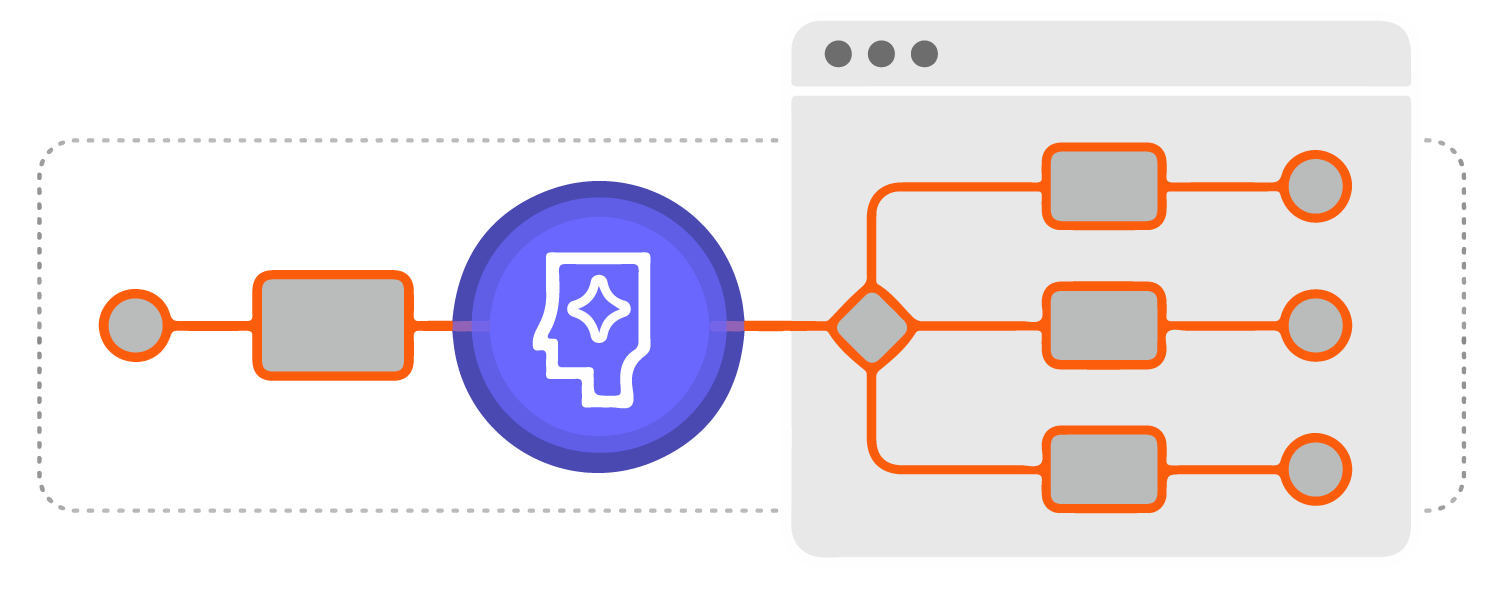 An AI agent is a software program that autonomously gathers data and carries out tasks using this information, independently or on behalf of another system or person.
-
AI agents can perform a variety of functions, including making decisions, solving problems, interacting with external environments, and taking actions.
-
For example, you can use an AI agent to select and execute tasks within an ad-hoc sub-process, by evaluating the current process context and determining the relevant tasks and tools to use in response.
Why tool documentation in ad-hoc sub-processes matters
In an AI agent model, each BPMN activity inside an ad-hoc sub-process is effectively a tool exposed to the LLM. The activity name its documentation are used by the LLM to decide what to do next.
Clear, behavior-oriented descriptions help the LLM:
- Select the right tool for the current goal.
- Pass the right parameters in the expected format.
- Avoid unsafe, redundant, or nonsensical actions.
Poor or missing documentation increases the risk of:
- Incorrect or ambiguous tool selection.
- Repeated tool calls or skipped required steps.
- Hallucinated behavior and responses that do not match process intent.
Example: weak vs strong tool definition
| Tool definition | Example |
|---|---|
| Weak | Name: LookupDocumentation: Find customer data |
| Strong | Name: Resolve customer by legal company nameDocumentation: Use this tool when a document mentions a company and you need its internal customer ID. If multiple matches are returned, request human validation before continuing. |
A clear tool name and precise documentation make the expected behavior explicit, improving reliability during tool selection and execution.
AI agent integration features
Use the following Camunda 8 features to integrate AI agents into your processes:
| Feature | Description |
| Ad-hoc sub-process | A special kind of embedded BPMN subprocess with an ad-hoc marker that allows a small part of your process decision-making to be handed over to a human or agent. |
| AI Agent connector | Enables AI agents to integrate with an LLM to provide interaction/reasoning capabilities. This connector is designed for use with an ad-hoc sub-process in a feedback loop, providing automated user interaction and tool selection. |
| MCP Client connector | Connect an AI agent connector to tools exposed by Model Context Protocol (MCP) servers. |
| Ad-hoc tools schema resolver connector | Can be used independently with other AI connectors for direct LLM interaction. Use this connector if you don’t want to use the AI agent connector but still want to resolve tools for an ad-hoc sub-process or debug tool definitions. |
| Vector database connector | Allows embedding, storing, and retrieving LLM embeddings. Use this connector to build AI-based solutions such as context document search, long-term memory for LLMs, and agentic AI interaction. |
Integrate an AI agent into your process
A common model for AI agent integration uses an ad-hoc sub-process and AI agent connector in a tools feedback loop.
In this model, an AI agent is defined using an AI agent connector, with the tools available to the agent defined in an ad-hoc sub-process. The AI agent is able to understand the context and process goal, and uses the available tools to complete the goal.
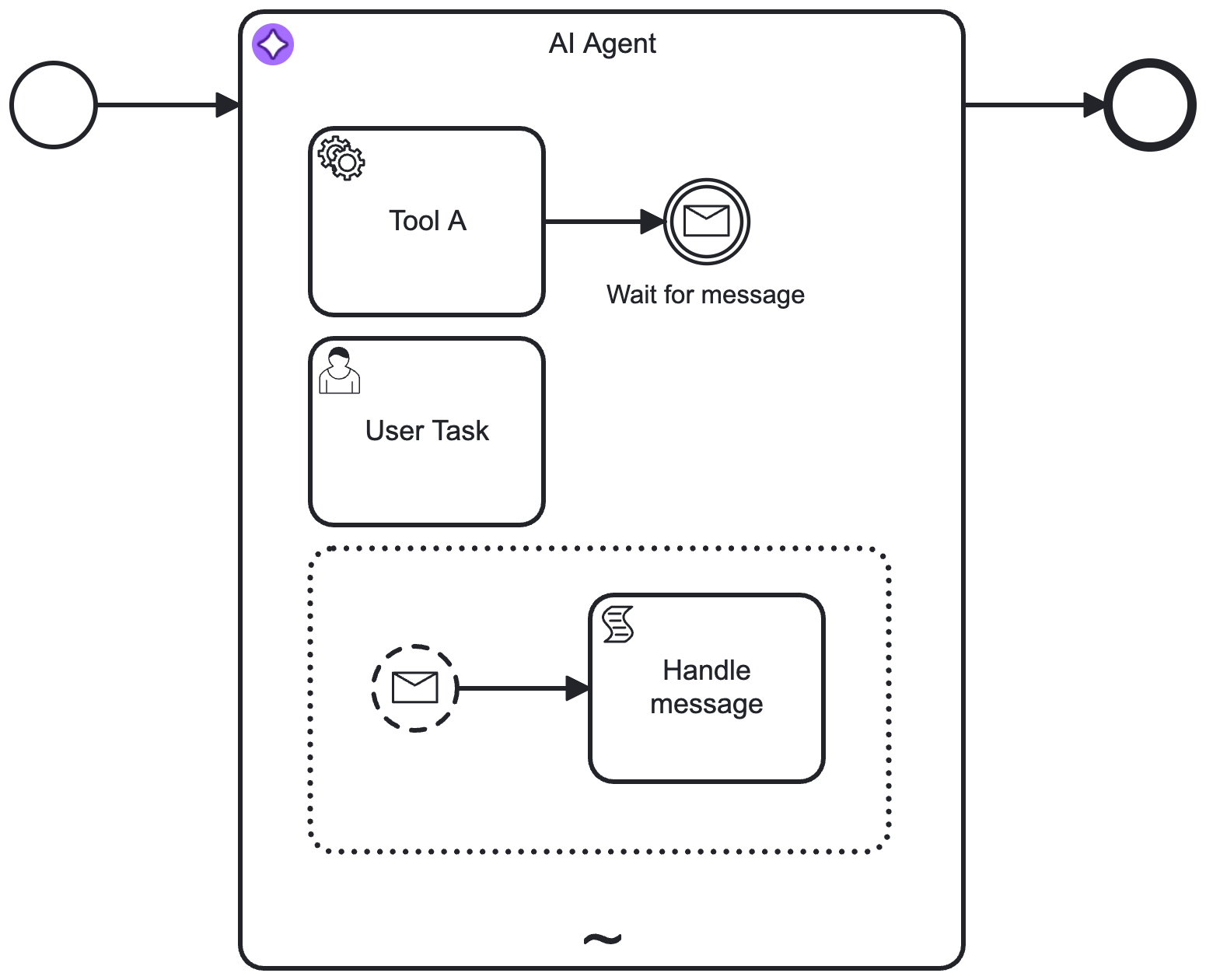
Learn more about this model in the example AI Agent Sub-process connector integration and guide to adding a tool for an AI agent.
Learn more about building and integrating AI agents in Camunda 8: