IDP concepts
When using IDP it is helpful to understand the following key concepts and terms.
Structured and unstructured documents
Documents are typically classified as containing either structured or unstructured data.
Structured documents
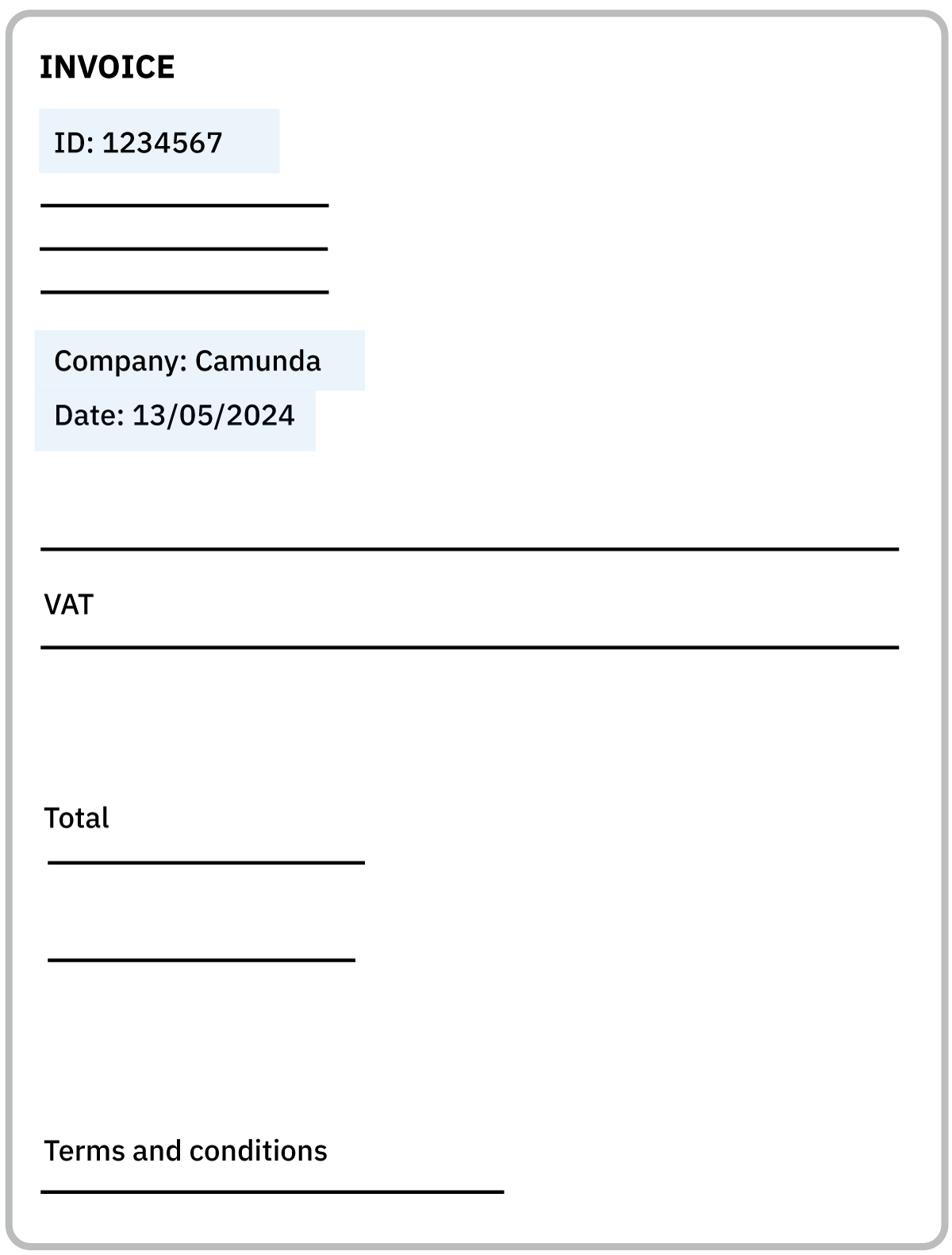
Structured documents have a predefined, consistent layout and fixed format, such as rows and columns in a database or spreadsheet, or fields in a standardized form.
Data in a structured document has a fixed location. For example, the ID, date, and company name are always located in the same place.
Example structured documents include:
- Invoices/ customer records
- Forms
- Identity documents
Unstructured documents
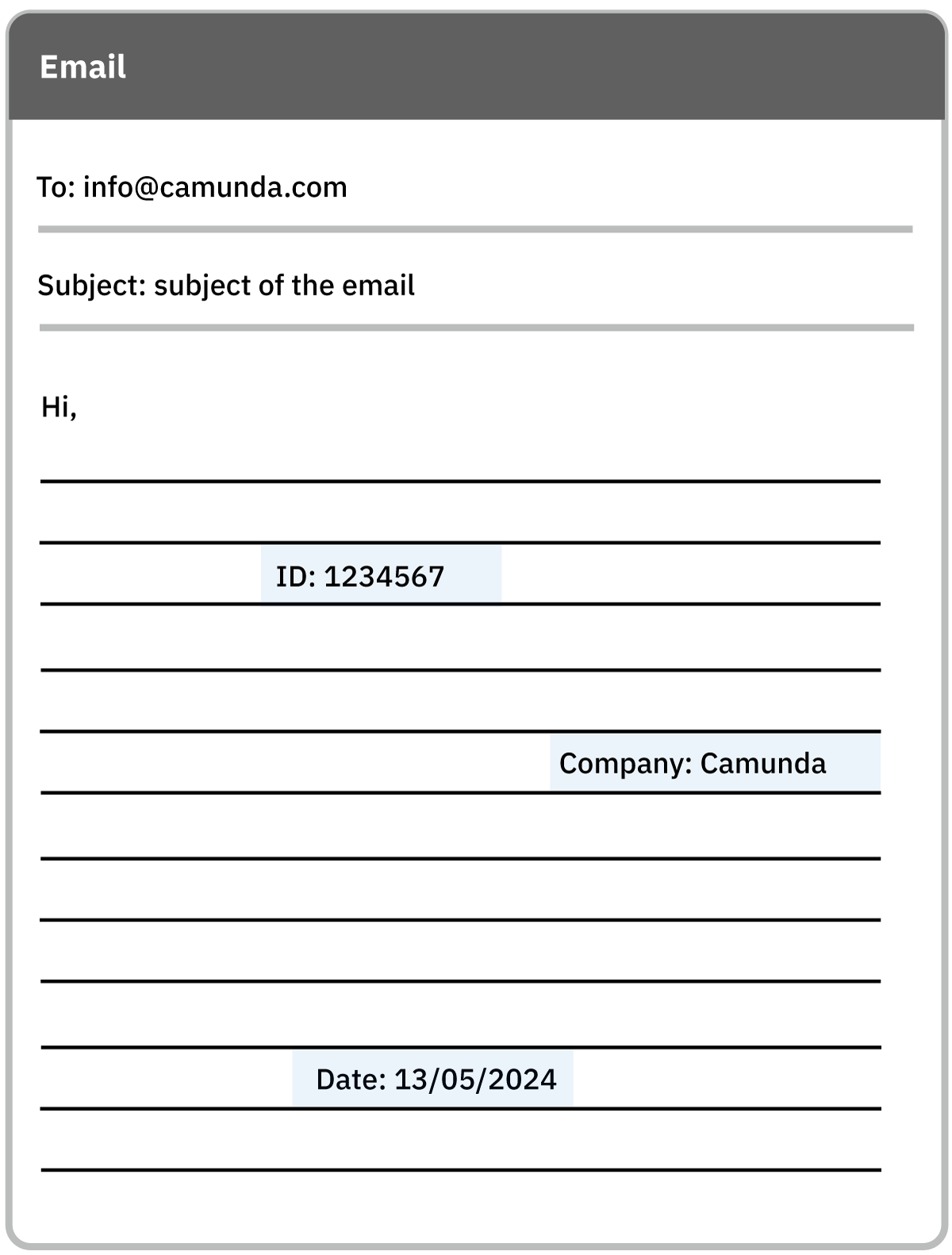
Unstructured documents have a less defined, free-form layout that can be more difficult to extract structured data from, such as free-text paragraphs where key information is located in unpredictable places.
IDP uses an LLM foundation model to extract data from this document type.
Example unstructured documents include:
- Emails
- Reports
- Memos
Document classification
Document classification is performed as part of document automation.
-
Documents are analyzed, classified, and assigned to the relevant document extraction template, based on the document content.
-
Classification ensures that documents processed through IDP are organized into the correct type, so that extracted data is assigned/mapped to the correct property.
-
Classification accuracy is improved with a well-defined taxonomy (set of extraction fields) and a set of example documents that accurately represents each type of document you want to process.
Extraction model/Large Language Models (LLM)
LLM Foundation models are large-scale, pre-trained AI models that can be adapted for various document processing tasks without extensive retraining.
-
For IDP, these models serve as a powerful base for extracting, understanding, and processing data from diverse document types. Algorithms are used to learn document patterns and to improve data extraction accuracy over time.
-
IDP allows you to work with and test different extraction models until you find the model that best suits your budget and accuracy requirements.
-
See extraction models for a list of currently supported LLM extraction models.
Extraction fields
Extraction fields are the data fields you want to extract from a document, such as an invoice ID, date, customer name, and so on.

- You must add a separate field for each piece of information you want to extract from a document.
- For example, for an invoice, add a separate field for the invoice ID, date, customer name, invoice amount, and so on.
To learn more about extraction field data types, see extraction field data types.