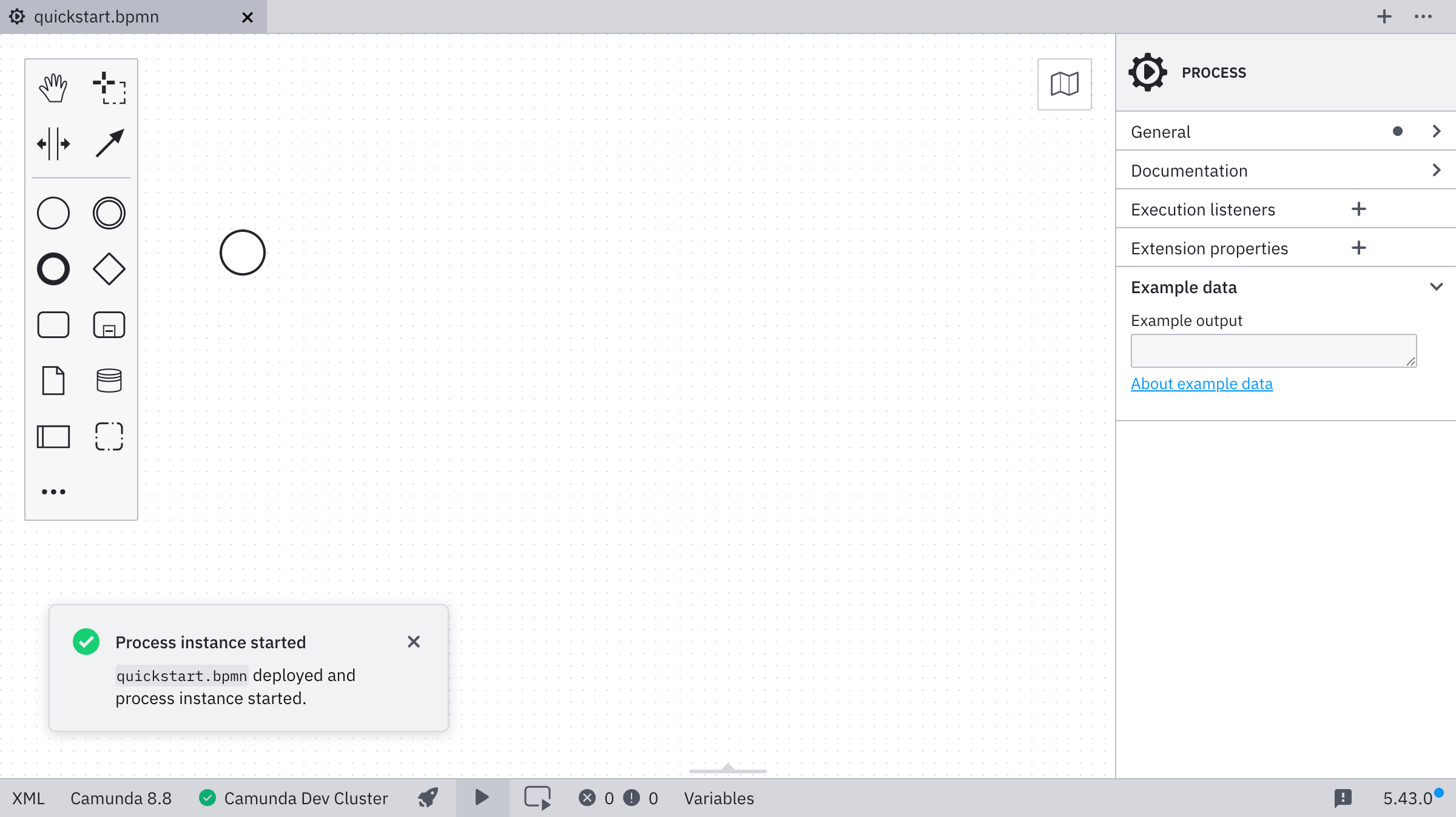
Start a new process instance
-
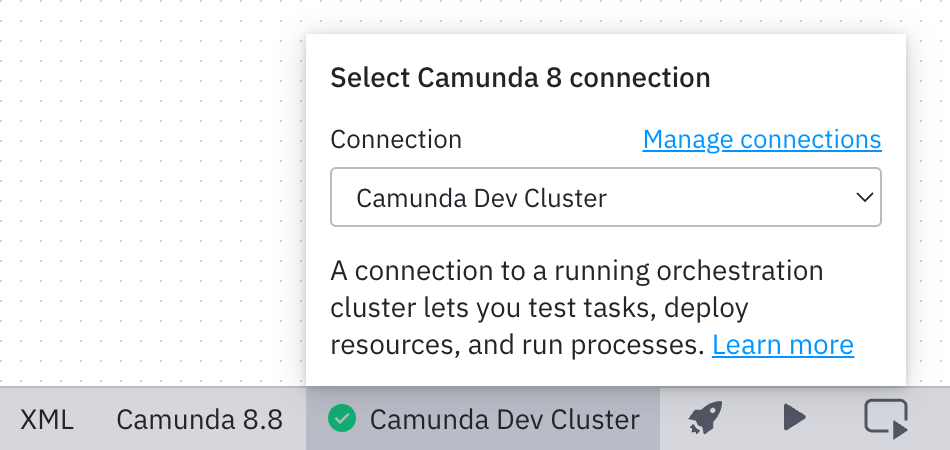
Ensure you have already set up and selected a connection by following the Connect to Camunda 8 guide.
-
Click the play icon to start a new process instance.

-
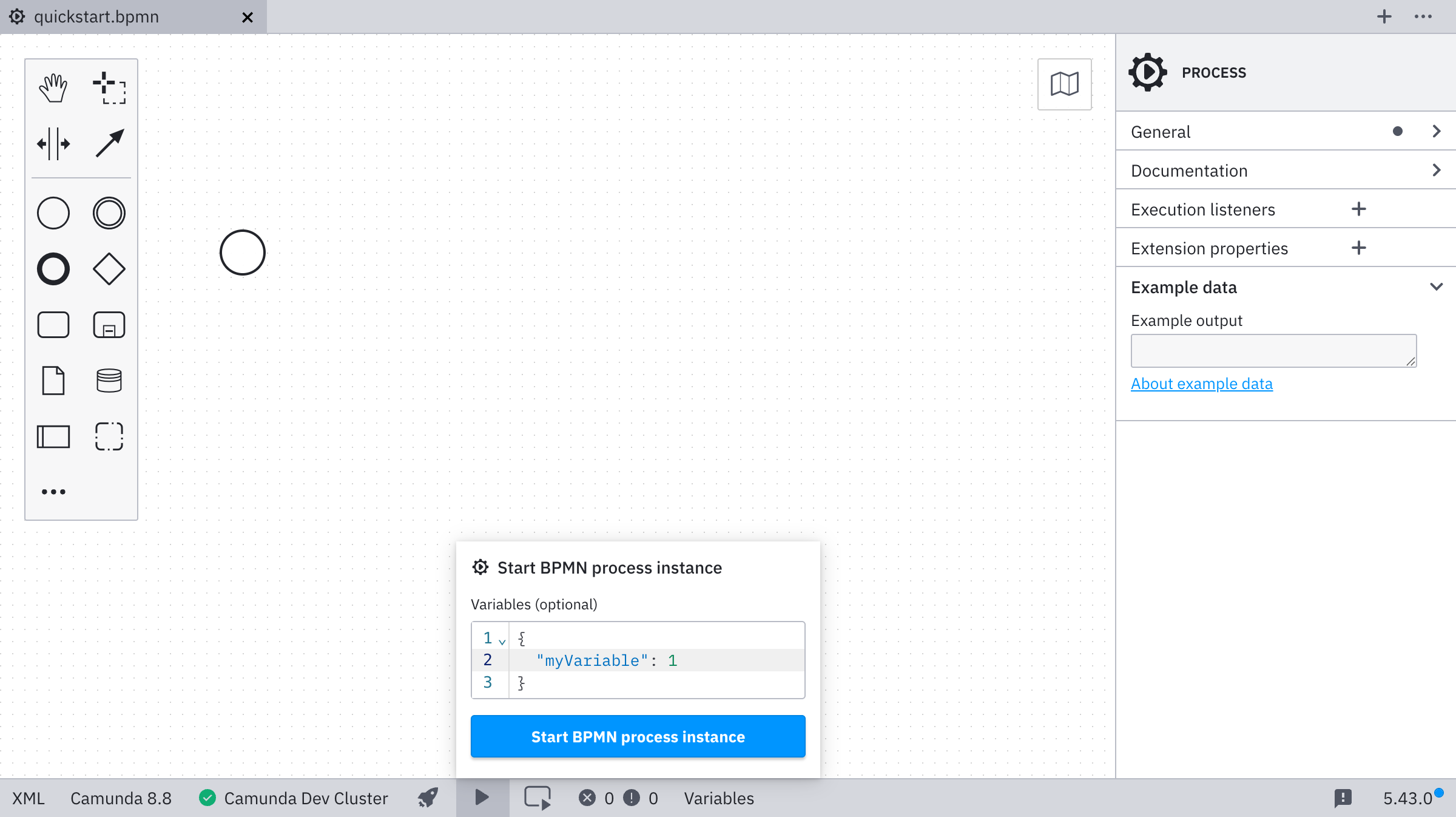
Enter optional variables for starting the process instance. Click Start BPMN process instance to deploy and start the instance.
A confirmation message confirms that the instance started successfully.